
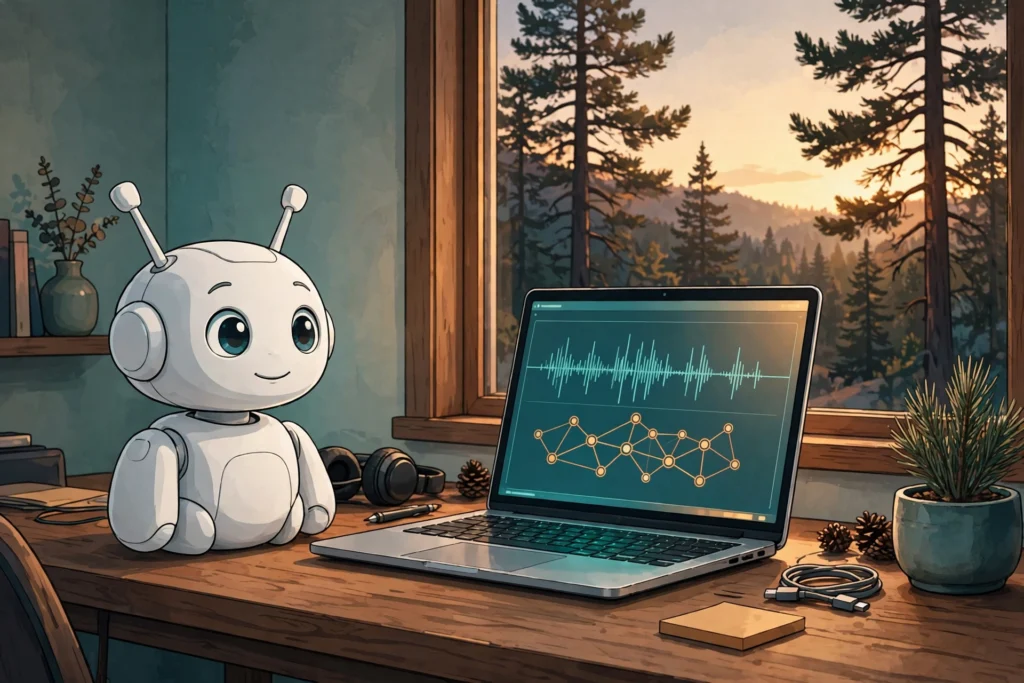
Recently I have been messing around with Kit, my Reachy Mini, on my desk, and whilst there are plenty of ways to make a robot talk, that was not really the point. I wanted to talk across the room to the same Muse (Meta AI) that already knows my calendar, my email and my house – and hear it answer back through the robot. Sounds simple, right? Let me tell you, it was not. But it works like a charm now, so I thought I would share how we got there, including the design we threw away.
What “connected” had to mean
A quick demo is easy, I have seen plenty of them. You pipe a microphone into a model and play back whatever comes out. That was not what I wanted. The reply had to come from my actual Muse agent – with its memory, its Gmail and calendar connections and its knowledge of the house – not a raw model starting cold every time. And it all had to stay private: no robot API exposed to the internet, no audio leaving the house except as a transcript, and definitely no robot shouting out loud when I am away or asleep.
Get those three things right – same agent, local audio, private transport – and, honestly, the rest of the design pretty much falls out of them.
First, I went down the wrong route
My first thought was the obvious one, it is what I would normally do. Sparky, my existing local voice stack (thanks to Alexis Gallagher), would just call an OpenAI-compatible chat endpoint and get Muse’s replies back. Well, that falls over pretty quickly here, and it is worth understanding why. The Meta Model API is OpenAI-compatible, but it serves raw models. A raw model has no access to my Muse agent’s memory, calendar, email or tools, so the answers would have sounded perfectly plausible whilst knowing nothing that actually matters.
On top of that, Muse has no inbound endpoint that a server in my house can push utterances to. So we flipped it round: instead of Sparky calling Muse, Muse would poll Sparky. That one reversal is basically the whole architecture. Everything else is just plumbing around it.
Let Sparky own the audio – RIP bridge.py
Next I tried writing a standalone script – bridge.py – to do the whole job itself: talk to the Reachy daemon, grab the microphone, transcribe everything and play the replies. It did not last long. Sparky already owned the audio device exclusively through PortAudio, and the Reachy daemon was deliberately running in no-media mode. Two processes fighting over the same device was never going to end well.
So bridge.py was retired on 18 October 2026, and I let Sparky keep every audio job: capture via PortAudio, wake and turn detection, Faster Whisper transcription on the GPU, and Kokoro text-to-speech at 24 kHz feeding the robot’s head animation and lip-sync. Muse’s side starts at the transcript and ends at the reply text. Much simpler, and nobody is fighting over the hardware.
The Architecture
Two channels over Tailscale, nothing open to the internet
The robot itself, “Kit”, is a Reachy Mini Lite, USB-tethered to my Alienware m15 Linux box. That same box also runs OpenClaw in a container. The Muse Voice Link bridge runs on there too, bound only to its Tailscale address, 100.81.48.19 on port 8422. Muse’s machine is on the same tailnet at 100.109.159.50. Plain HTTP is fine inside that link because Tailscale’s WireGuard transport is already encrypting it – but only if the bind is honest. I checked with ss -tlnp that nothing was listening on 0.0.0.0:8422.
microphone array · speaker · head movement
PortAudio · Faster Whisper (GPU) · Kokoro TTS
utterance queue · presence and quiet-hours checks
long-poll hook · memory · calendar · Gmail · tools
| Channel | Endpoint | Job |
|---|---|---|
| 1. Replies and alerts Muse to Sparky | POST /api/alert | Deliver text for Kit to speak, with flags that decide announcement style and phone fan-out. |
| 2. Utterances Sparky to Muse | GET /api/utterances?wait=30 POST /api/utterances/ack | Expose a long-polled queue of transcripts. Muse takes custody, acknowledges, and thinks in its own time. |
| Health | GET /health | Returns the bridge identity so either side can prove the link before blaming the audio. |
Note: Bind to the tailnet address, then actually prove it. If it is listening on every interface, it is not private, however much you tell yourself it is.
The conversation protocol
A queue, an ack, and a bit of patience
Here is the bit you have to get your head around: voice feels instant, agents are not. A Muse turn takes tens of seconds – waking the agent, loading context, sometimes calling tools, then actually answering – roughly 15 to 45 seconds depending on what you asked. If you try and hold the microphone turn open for all of that, it just feels broken. So we did not.
How one turn flows
- Listen locally. After the wake phrase, voice activity detection and turn detection find the end of the utterance. Faster Whisper transcribes it on the GPU.
- Enqueue and reassure. Sparky appends the transcript, with a UUID and timestamp, to an in-memory queue, plays a short filler – “Let me check.” or “One moment.” – and closes the mic turn.
- Long-poll, do not busy-poll. Muse’s hook holds GET /api/utterances?wait=30 open. The request returns the moment something is queued, or an empty list on timeout, and the poller reconnects at once.
- Ack on receipt, not on reply. Muse acknowledges as soon as it takes custody. A slow answer can then never cause the same utterance to be delivered twice.
- Reply as a separate POST. The finished answer travels back through Channel 1 and Kit speaks it. Arrival of that POST cancels the watchdog.
POST /api/alert
{
  "title": "Sparky reply",
  "message": "Full text of the reply.",
  "spoken_text": "Concise spoken version.",
  "is_reply": true,
  "notify_chat": false
}
The queue is deliberately bounded: 50 entries maximum, and unacknowledged items expire after one hour. If no reply arrives within 120 seconds, Kit speaks a fallback – “Sorry, I didn’t get an answer – try again?” – rather than leaving you hanging in silence. We ran twenty bridge and microphone tests on the local side before the first real turn, which I would recommend, because once this goes across the room you want to know which bit actually broke.
Authentication · Manners
The auth bit nearly stopped us
The bridge started out doing everything properly, with a conventional bearer token, and the health check behaved exactly as designed: 200 with the token, 401 without it. I was pretty pleased with that, until we hit a problem no amount of server code could fix. Muse simply had nowhere sanctioned to hold that token for this connection. The credential vault would not register a tailnet IP address – or a sslip.io alias for it – as an API host, because neither is a public DNS hostname. Hook scripts, meanwhile, run without secrets by design.
So we stepped back and used what Tailscale already gives you. The socket is bound only to the tailnet interface, and every peer on a tailnet is cryptographically authenticated by WireGuard before a packet even arrives. We changed the three bridge endpoints to trust tailnet peers, with no bearer token needed. Now, be clear about the trade-off if you do this yourself: any device you let onto your tailnet can reach those endpoints. For my personal tailnet that was the right call. For a shared or work tailnet, it absolutely would not be.
Within about an hour that afternoon the first live voice turn completed end to end, and a separate test confirmed it was actually coming out of the robot’s speaker. That was a good moment.
Replies and alerts are not the same thing
| Kind | Payload signals | Behaviour |
|---|---|---|
| Voice reply | is_reply: true, notify_chat: false, title “Sparky reply” | Spoken directly through the voice pipeline. No WhatsApp copy – you just heard it, your phone does not need it too. |
| Proactive alert | is_alert: true, notify_chat: true, a descriptive title, a short spoken_text | Announced as “Incoming message from Muse”, then spoken – and fanned out to WhatsApp via OpenClaw. |
Both kinds pass the same gates before anyone hears anything. Sparky checks Home Assistant presence – am I actually home? – and quiet hours, 10 p.m. to 7 a.m. Fail either check and the speech is suppressed. And I only route a turn to Muse at all when I explicitly say “Ask Muse” or “check with Muse”; Sparky handles everything else locally. Without those manners, let me tell you, this is just a much louder notification problem.
For the icing on the cake – the avatar
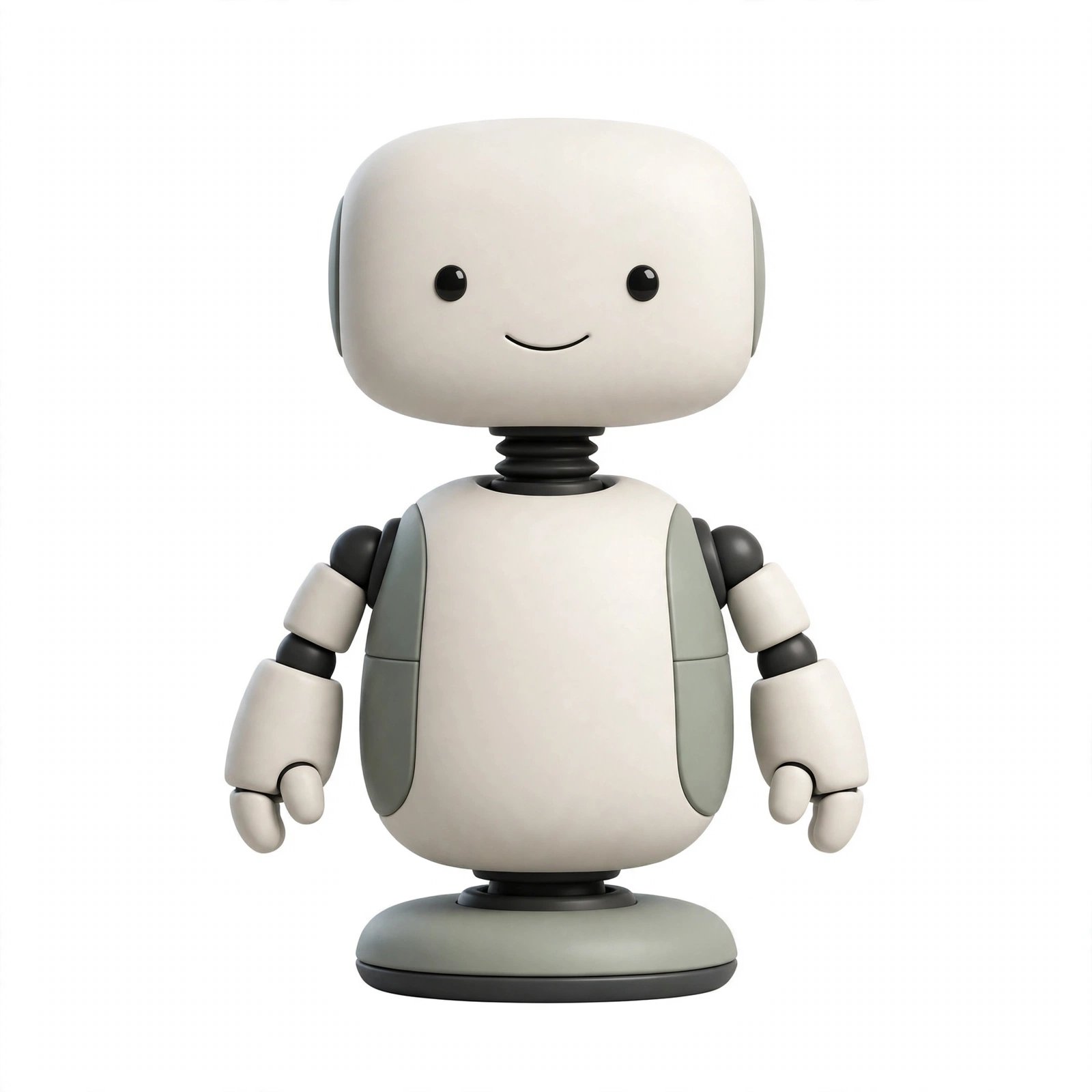
A day before the voice link went live, I changed Muse’s avatar to a Reachy Mini robot-inspired look – the second of the options we generated. I know, it sounds cosmetic, and mechanically it is. But it really did close the loop: the face on screen and Kit, the robot on the desk, is now obviously the same character. When Kit says “Incoming message from Muse”, there is no translation step about who is speaking. If you build this, do that bit deliberately too – pick one name, one look and one routing phrase, and keep them consistent everywhere.
What broke (because something always does)
- Ambiguous success. The bridge can return {“ok”: true, “spoken”: false, “reason”: “delivered”} – delivered, but not spoken, usually because a presence or quiet-hours gate intervened. Log the reason, or you will debug a speaker that was never asked to speak.
- Intermittent alert POSTs. Early on, /api/alert occasionally hung or returned empty before succeeding on retry, while utterance polling stayed stable. Budget for retries on the speaking path.
- A dead microphone. Later that same day the link went one-way: it could speak but not hear. One-way is a useful failure state – alerts still work – but only if you notice. A periodic mic check belongs in any serious version.
- A spoken fact that was wrong. A test alert repeated an incorrect family detail aloud before I corrected it. Speech is harder to unsay than text is to edit, so the bar for speaking a fact should be higher than for showing it.
Build yours – in this order
- Start the Reachy daemon in no-media mode, USB-tethered, and let one local stack own PortAudio.
- Stand up Whisper and Kokoro locally and prove the audio loop with no agent involved.
- Join both machines to one tailnet. Bind port 8422 to the tailnet address only; verify the bind.
- Implement POST /api/alert with presence, quiet-hours and notify_chat handling. Test speech before dialogue.
- Add the utterance queue: long-poll, ack-on-receipt, 50-entry cap, one-hour expiry, filler on enqueue, 120-second fallback.
- Decide auth consciously: a holdable credential if your agent platform offers one, or documented tailnet trust if it does not.
- Wire a poller that wakes your agent, then run one live turn and one proactive alert before declaring victory.
And that is it. It is slower than a smart speaker, and far more useful: Kit, a robot I can ask across the room, which answers as the assistant that actually knows my day – and, just as importantly, stays quiet when it should. So get yourself a test setup, just play with the audio loop first, they will soon start to make sense. Do not wait, this is not one of those things to put off until tomorrow.